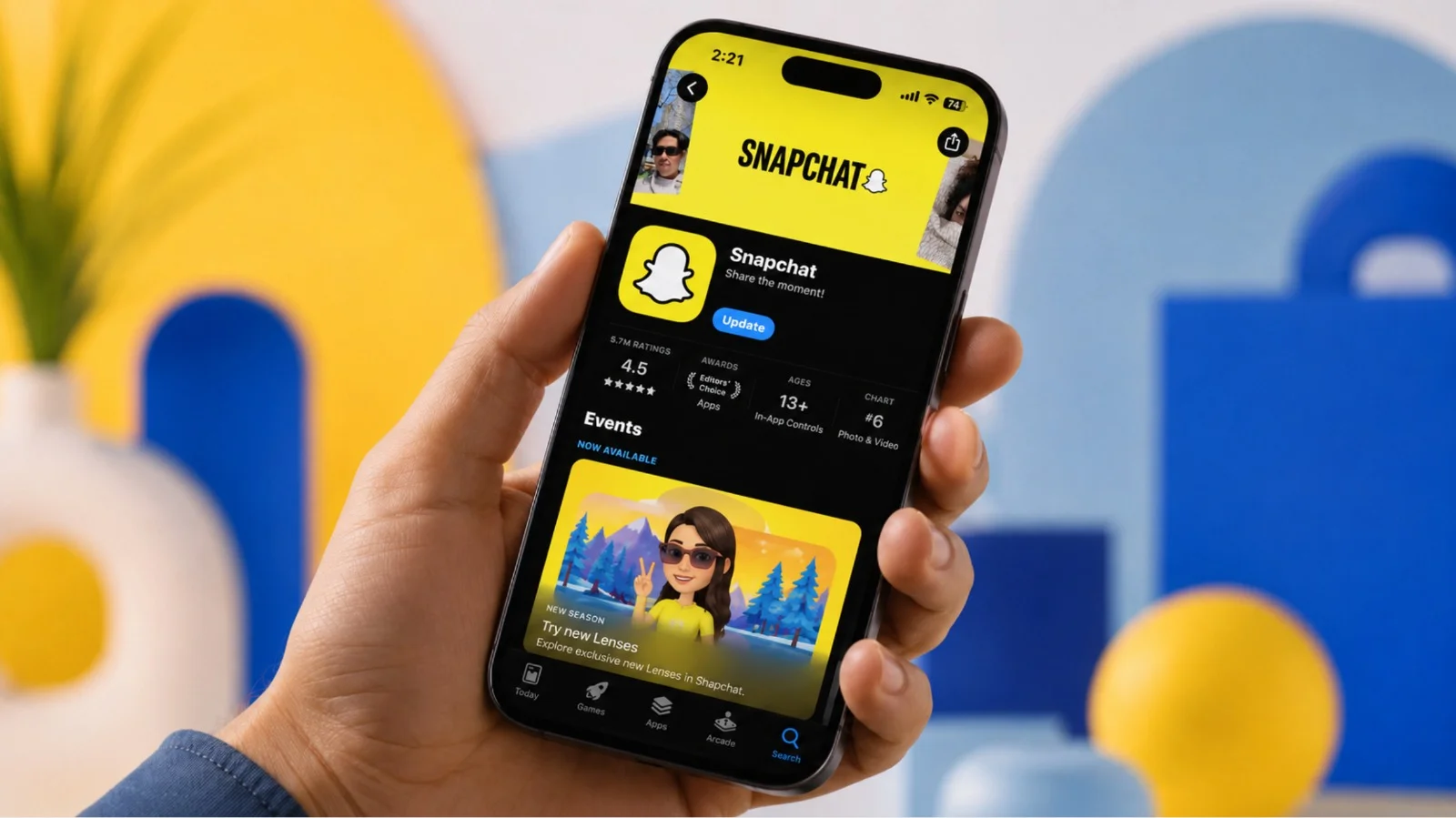
You do not have to share your own phone number with Snapchat. Snapchat wants a phone either at registration or shortly after it to confirm new accounts, check logins from other devices and set up recovery. If you do not have the ability or desire to share your own SIM, use one of the MoreMins virtual numbers - a number that works exactly like a real number in that it receives SMS messages, while your own personal number remains hidden. A MoreMins number will also work for the second most common use case – running a second account – because Snapchat accounts are linked to individual phone numbers.
Make a Snapchat account using a MoreMins virtual number
The most efficient way to avoid putting your personal phone number onto your Snapchat account is to verify with a virtual number. Snapchat regards a virtual number as any other, and the validation check works correctly.
- Download the MoreMins app, get a virtual number, a UK or US number is the most reliable for this verification method.
- Open Snapchat, then "Sign Up" and fill out your Name, Birthday, Username and Password.
- Where Snapchat requires a phone number, insert the virtual number with country code included.
- Snapchat will send the verification code via SMS; it is 6 digits long.
- In the MoreMins app, find your virtual number inbox, copy the 6-digit code and paste it into Snapchat.
- Complete all further prompts on Snapchat and then add a profile picture.
How to make a second Snapchat account
Every Snapchat account must have its own linked phone number, so a second Snapchat account will require you to get a second number. Regardless of the purpose, whether it is for personal use or a branded page, give each a distinct number that they can draw verification SMS from.
- Get a second MoreMins virtual number, a separate one for each account that you intend to run.
- Log out of your main Snapchat account, create another via a different browser at accounts.snapchat.com, or use a separate device altogether.
- Follow the normal sign-up process, then where prompted to enter a phone number, use your second MoreMins number and its SMS code verification process as described above.
- Choose a unique username and add a profile picture.
Why Snapchat asks for a phone number
The need to verify via phone does not only arise at the time of sign-up. Snapchat will prompt you to confirm your phone number for the following reasons, all of which attempt to confirm that you are an authentic user:
- You have recently created an account and the system needs to verify it, an anti-spam measure;
- You are logging into Snapchat from a device the application does not recognize;
- Snapchat is identifying a login that appears unusual, possibly involving failed login attempts;
- You may be asked to set up phone recovery, to allow access to your account should you forget your password.
Refusing to verify every time will lead to the account being restricted in its usage; thus, it is sensible to have a number ready, even if it is not the one that has the physical SIM chip, in order to complete the verification process with a number that doesn't tie your identity to the account. A brand new MoreMins number will bypass the verification check, leaving your own personal SIM private.
The concept is straightforward. Snapchat's account verification process can be conducted using a virtual number; in so doing, your own personal SIM will never be placed in association with the Snapchat account. The same number will be used for any subsequent verifications or for any need to recover the account by SMS. Having a different MoreMins number for each of your Snapchat accounts will permit you to run multiple. Using these same numbers for Snapchat could also help you in obtaining a verification text online from any number of other websites without sharing the number of your private SIM.
Is it possible to create a Snapchat without a phone number?
Yes. You do not need to use your personal mobile number. Snapchat will request you input a phone number either during the sign-up process or sometime soon after the new account is established. A virtual number will capture the relevant SMS code and the Snapchat account can be registered and confirmed without the Snapchat administrator ever having to know your real mobile number.
Do I need a phone number for Snapchat?
Yes. A phone number is required for Snapchat verification of new accounts and for confirmation of login activity when a device other than one that is normally logged into your account is used, or for account recovery. The key is it doesn't necessarily need to be your actual, physical SIM.
Can I use a virtual number to verify my Snapchat account?
Yes. Snapchat will send you a 6-digit text message; it can be intercepted from your MoreMins inbox and pasted directly into Snapchat's verification field. It would be prudent to keep the virtual number associated with your Snapchat account even after you've finished registering for it, in case Snapchat has to verify your account again later.
How do I create a second Snapchat account?
Snapchat connects each of its users to a specific number; hence a second Snapchat account necessitates a new number. First, get a second virtual number from MoreMins and then sign up with this number just as you would normally.
How do I remove my phone number from Snapchat?
From the Settings section within Snapchat, choose the "Mobile Number" and remove the digits of your personal number. Warning: once you delete your phone number from Snapchat, you will no longer have access to SMS recovery methods, so it's critical to ensure that you still have a valid email linked to your Snapchat account before going ahead.
Can I be anonymous on Snapchat?
Not completely, as you will have a username and activity that will remain traceable to you by Snapchat itself. However, by registering and verifying a Snapchat account with a virtual number, you will effectively remove any trace of your actual personal number, making it difficult for other Snapchat users to discover you through the application by way of searching up your phone number. To further this, consider turning off the ability for Snapchat to scan your device for contacts by disabling "Contact Sync" under "Find Friends."